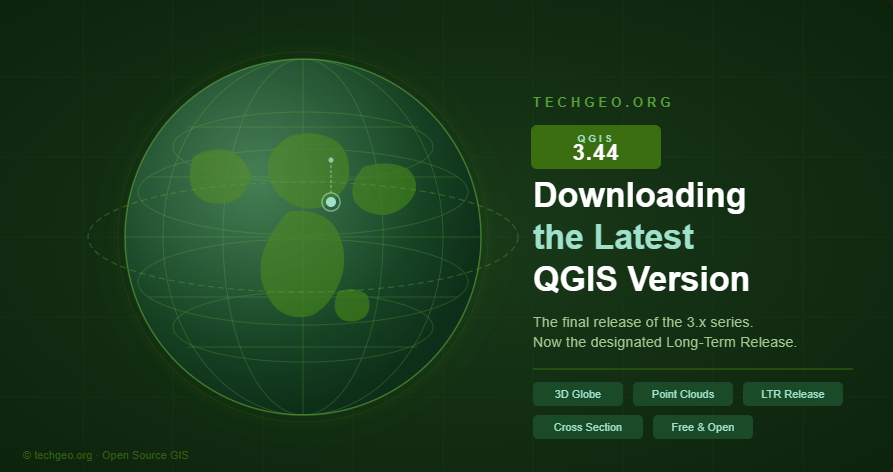
How to Download QGIS 3.44 — The Final & Most Powerful Release of the 3.x Era
A step-by-step guide to installing the latest QGIS version on Windows, macOS, and Linux — and what makes this milestone release worth the upgrade.
If you work in GIS, remote sensing, or spatial data analysis, QGIS 3.44 is a release you simply cannot afford to skip. Named Solothurn after the Swiss canton, this version is not just another incremental update — it is the final feature release of the entire QGIS 3.x series, and it arrives packed with tools that redefine what open-source GIS software can do.
In this guide, we walk you through exactly how to download and install QGIS 3.44 on your system, and highlight the headline features that make this version a landmark in the project’s history.
Download QGIS 3.44 — Free & Open Source
The official installer is available for Windows, macOS, and Linux directly from the QGIS project website.
Why QGIS 3.44 matters
QGIS 3.44 serves a dual purpose: it closes the door on the mature, rock-solid 3.x series while also acting as the last Long-Term Release (LTR) before the project transitions to QGIS 4.0, which is built on the modern Qt 6 framework. That means this version will receive extended maintenance support — making it the safest choice for production environments, enterprise deployments, and professional consulting workflows for the foreseeable future. LTR
Top new features at a glance
3D Globe View
Visualize any map layer on an interactive globe using Cesium-powered rendering. Supports 3D Tiles and point cloud layers.
Point Cloud Editing in 3D
Edit point cloud attributes directly in 3D map views — a major step forward for LiDAR and aerial survey workflows.
3D Cross Section Tool
Draw a rectangular cross section in 2D and instantly view a filtered 3D side view — faster than configuring scene extents.
GPS Track API
Plugins can now create vector layer features from GPS tracks via the new QgsAppGpsTools class in PyQGIS.
Improved 3D Precision
Fixed long-standing camera jitter in scenes larger than 50–100 km. Large-scale mapping is now smooth and reliable.
Faster PDAL Processing
COPC index auto-detection accelerates point cloud clip operations. Outputs can now be saved as Cloud Optimized Point Clouds.
💡 Pro tip: If you use Google’s Photorealistic 3D Tiles in Globe View, disable terrain rendering in your 3D view configuration to avoid flickering — the dataset includes its own terrain data.
How to install QGIS 3.44 on your system
Once you click the download button above, you’ll land on the official QGIS download page. Here’s what to expect on each platform:
Installation guide by platform
sudo apt install qgis (Debian/Ubuntu) or the equivalent for your package manager. Full repository setup instructions are on the download page.LTR vs. latest release — which should you install?
For most users, especially those running QGIS in a production or organizational context, the Long-Term Release (LTR) is the right choice. QGIS 3.44 is the current LTR, meaning it will receive bug fixes and security patches for an extended period — until QGIS 4.2 takes over in October 2026.
The road to QGIS 4.0
QGIS 3.44 is intentionally designed as a bridge release. Deprecated 3.x APIs will remain in QGIS 4.0, making the plugin migration process manageable. For organizations and government agencies that need long-term stability, 3.44 is your safest harbor for the next two years.
Ready to get started?
Download QGIS 3.44 for free and join millions of GIS professionals worldwide.
Found this guide helpful? Share it with your GIS team or leave a comment below. Stay tuned to techgeo.org for tutorials, plugin reviews, and deep-dives into the QGIS 4.0 transition.